How to turn a photo into a brick mosaic
Turning a photo into a brick mosaic takes a few minutes on screen and a few unhurried hours at the table. Here's exactly how it works, from upload to the finished piece on your wall.
1. Upload your photo
Start at the create page and drop in a photo (a phone snap is fine). There’s no render button and no waiting for a proof: the mosaic appears as you go.
2. See it in bricks (live preview)
Your photo is rebuilt on screen in up to 60 brick colours so skin tones, eye colour and hair come through and it looks like the person rather than a five-colour sketch. You can nudge the look with one-tap presets or remove the background to turn a busy snapshot into a clean portrait. What you see is exactly what gets built.
3. Pick a size
Choose a size to suit the spot: a tabletop keepsake for a shelf or a larger piece for a wall. Kits start at £34, and every size comes with a free brick frame and free UK delivery.
4. We hand-pack your kit
Each order is designed and hand-packed here in Durham: the exact bricks your mosaic needs, pre-sorted by colour, a studded baseplate, a numbered build booklet, and a brick-built frame with two hidden hangers. Posted across the UK, with no customs and no overseas wait.
5. Build it
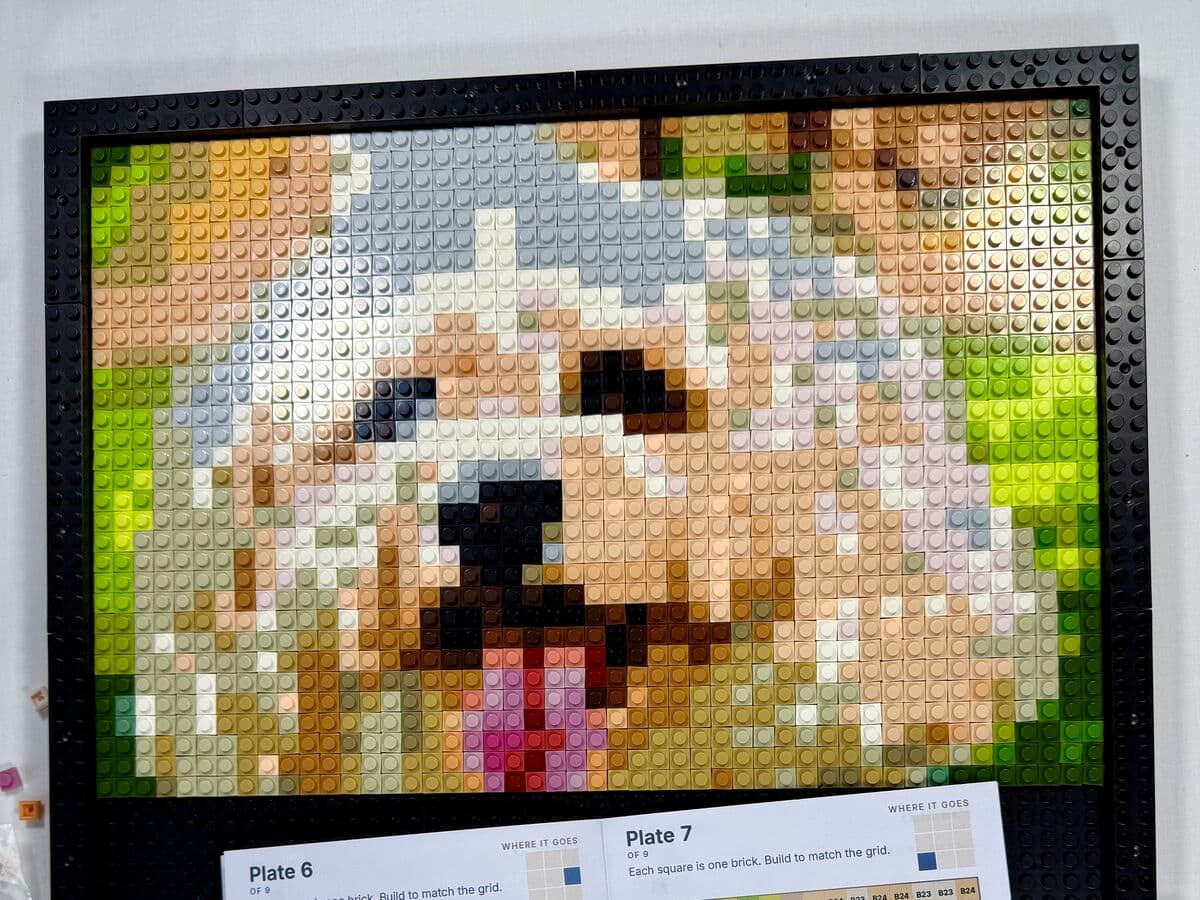
Follow the numbered guide and place the bricks row by row. Budget around 20 minutes a plate, from an afternoon for a Small to a weekend for a Large; it’s a calm, hands-and-eyes build a child can help with. Because the bricks click on and off, a tile can be swapped later or the whole piece rebuilt.
Get the photo right first
A close-up with a clear subject and good light mosaics best. If you’re not sure which photo to use, the photo guide walks through what works and what to avoid. Or just upload one and see it in bricks. Designing is free, and you only pay if you love it.
Ready to try it?
Upload a photo and the designer shows it in bricks straight away. Designing is free, and you only pay if you love it.
Try it with your photoWhat people turn into bricks
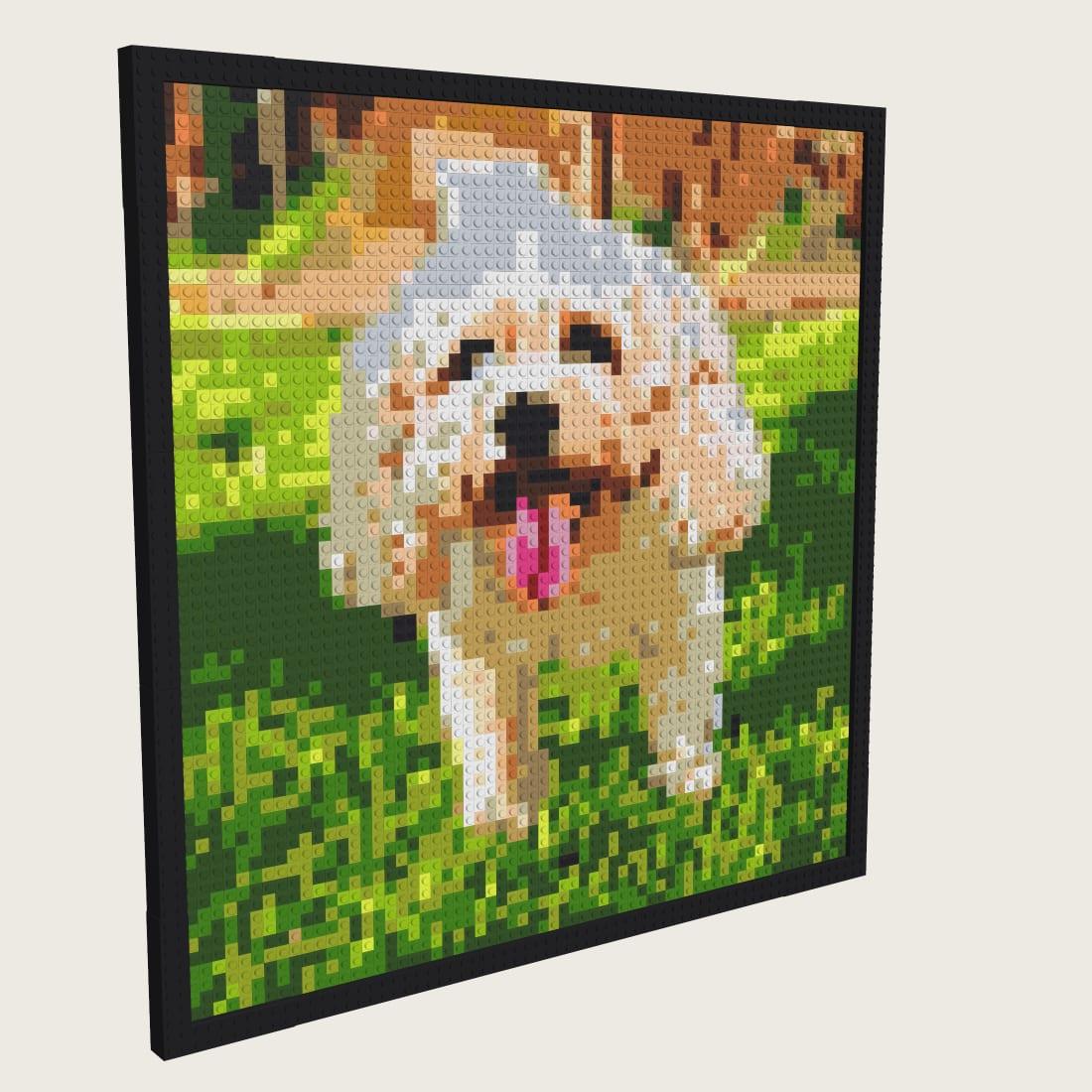
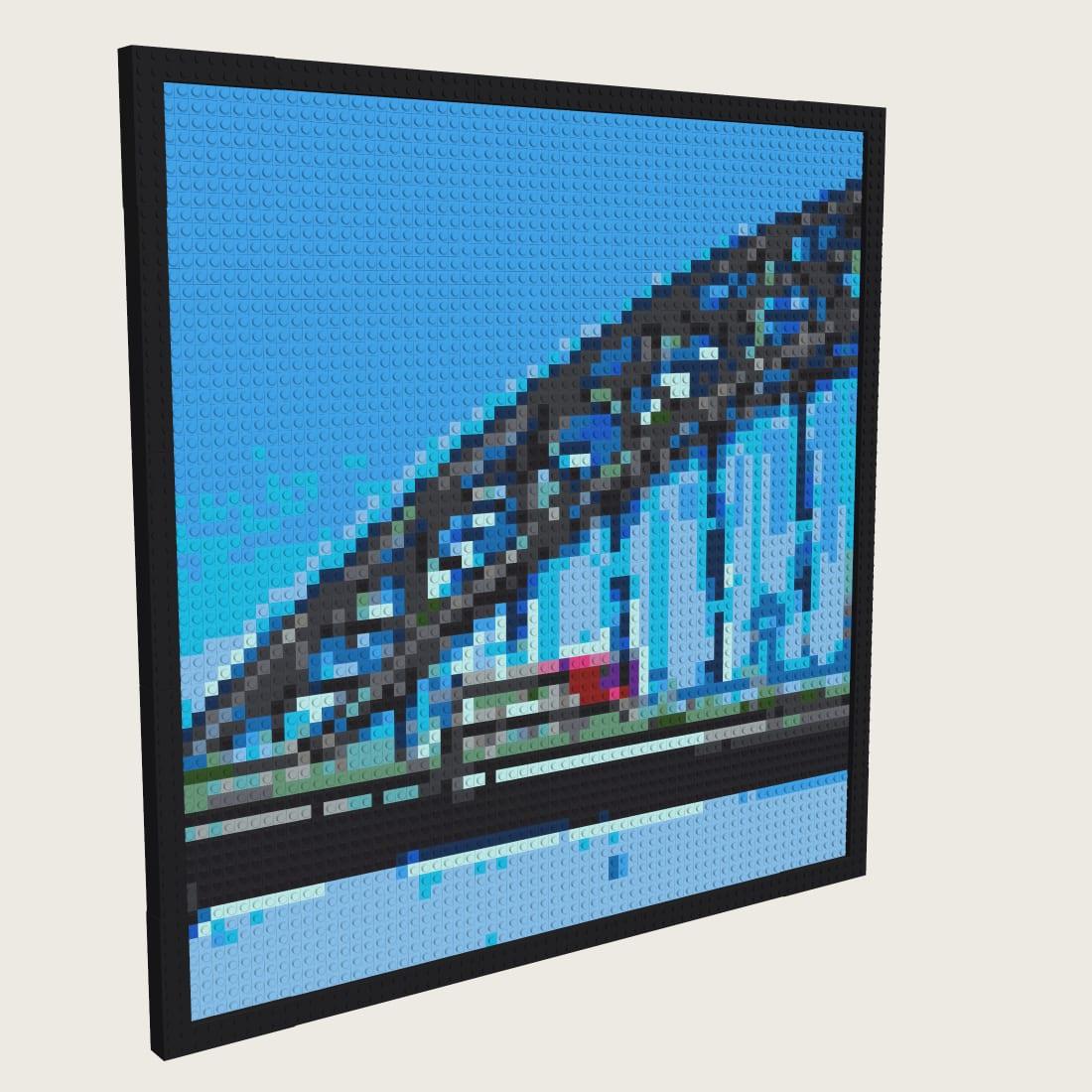
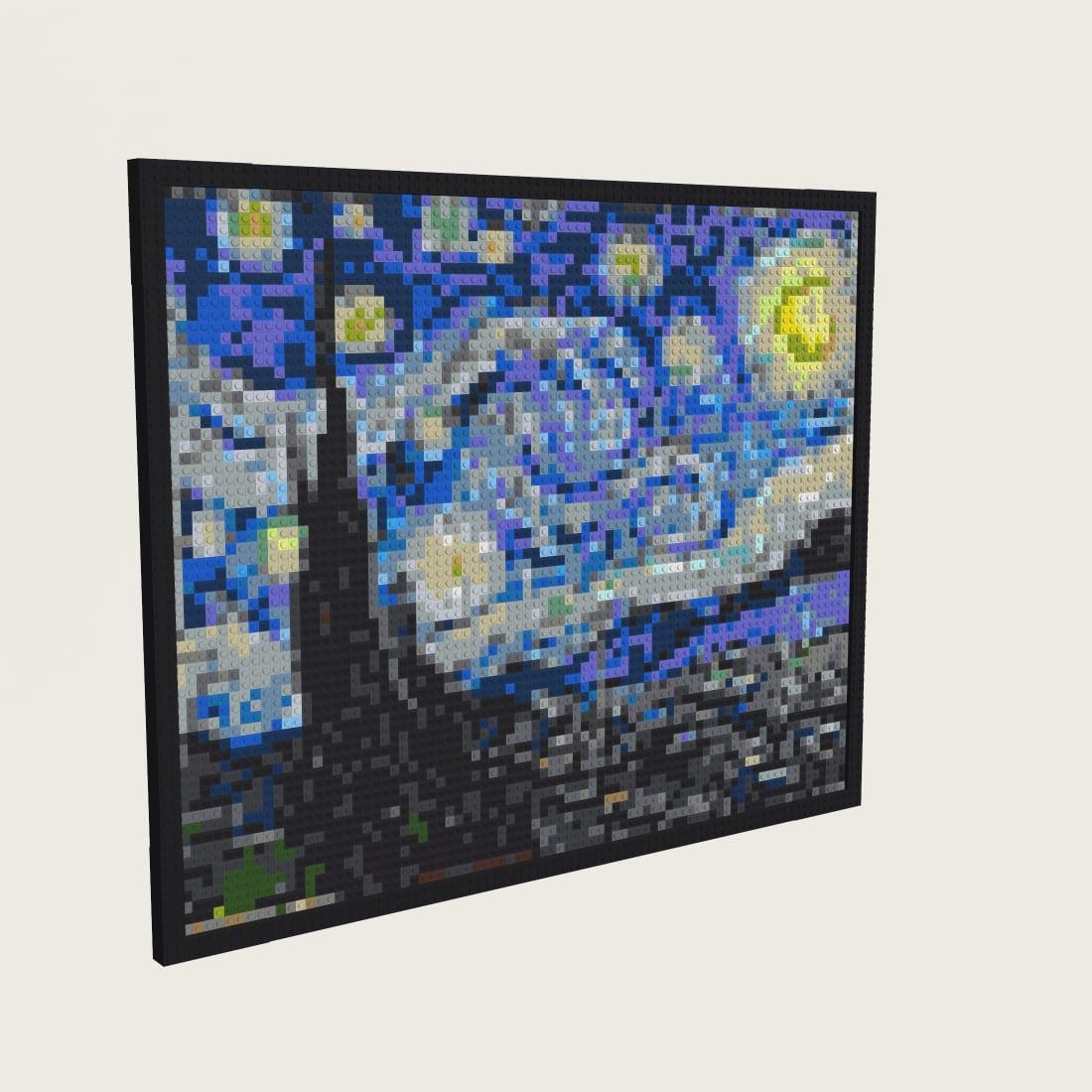
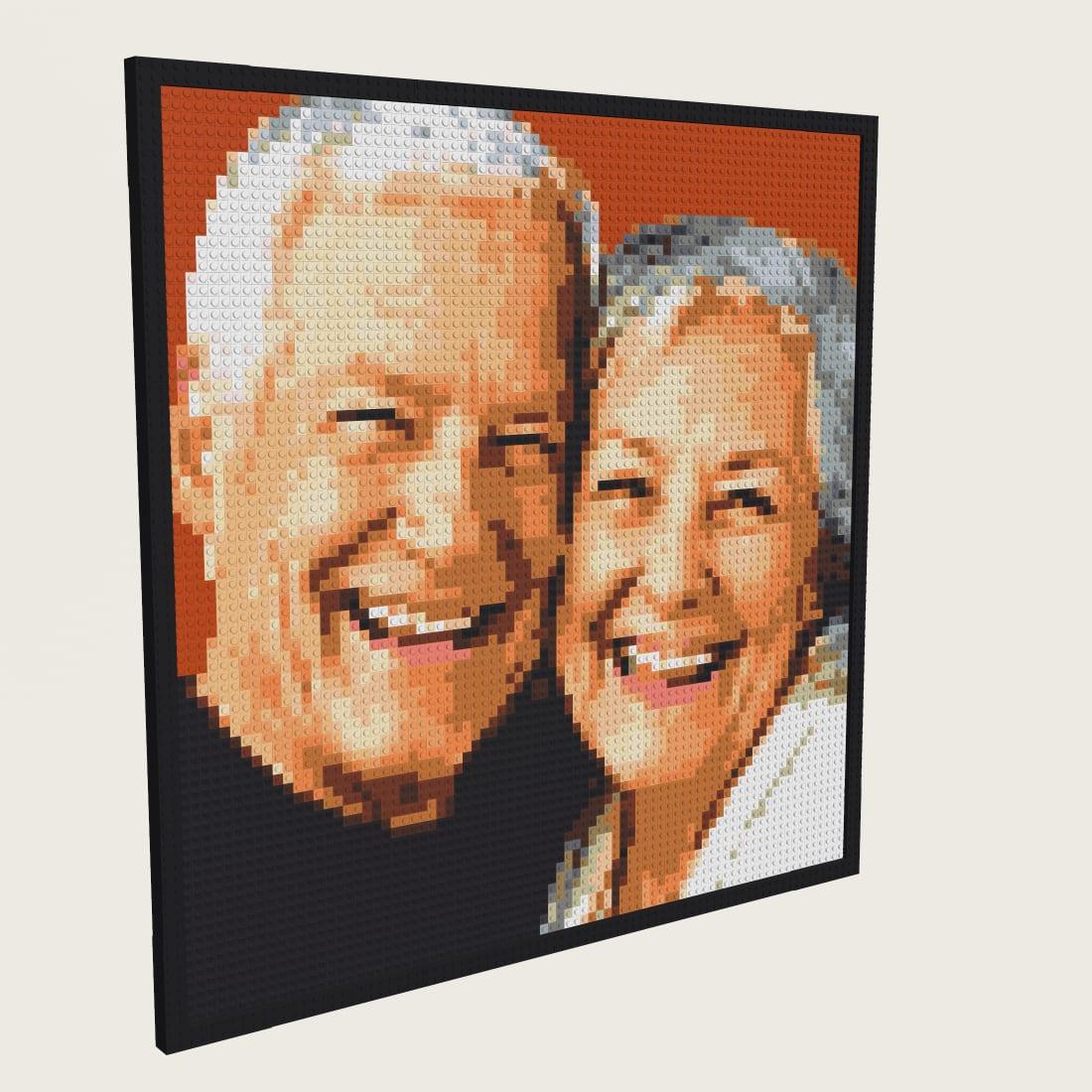
3D previews from the designer.
Common questions
How do I turn a photo into a LEGO-style mosaic?
Upload the photo at mosaicify.co.uk and it's rebuilt on screen in up to 60 brick colours. Choose a size, and we hand-pack a kit of LEGO-compatible bricks, a numbered build booklet and a frame. Mosaicify is not affiliated with the LEGO Group; LEGO® is a trademark of the LEGO Group.
How long does a brick mosaic take to build?
Budget around 20 minutes a plate: a Small (9 plates) is about 3 hours, a Large closer to a weekend project. Bricks arrive pre-sorted with a numbered picture guide, so it's a relaxing build rather than a hunt through a pile, and something a child can help with.
What photos work best for a brick mosaic?
A close-up with a clear subject and good light works best. One face or pet fills the frame nicely. Busy or very dark photos are trickier. See the photo guide for the full rundown.
Can I make a mosaic from a photo with bricks I already own?
You can try, but it's hard to do well. A Medium mosaic uses 4,096 1×1 plates across dozens of shades of skin, hair and background, so you'd need a very large stock of small plates in the right colours. That's why our designs are matched to the 60 colours we stock and sold as a complete kit.
Do I need my own bricks?
No. Every kit includes all the bricks you need, a studded baseplate, a build booklet and a brick-built frame. There's nothing extra to buy.