Brick mosaic generator
Upload a photo and it comes back as a brick mosaic design in a few seconds. It's free, and you don't need an account.
Start with a photo
JPG, PNG or HEIC, from your phone or computer. Some people call this a brick picture maker or a portrait maker. Same thing.
Choose a photoWhat the generator does
- Matches every brick to a real colour. Up to 60 brick colours, chosen from the ones we stock.
- Finds the faces. You get the whole photo and one or two closer framings to choose from, and faces are built from the skin-tone bricks.
- Nine looks. Original, True colour (closest to your photo), Vivid, High contrast, Dramatic, Warm, Cool (which also fixes yellow lamp light), Black & white and Sepia, each shown on your own photo before you pick.
- Background. Keep it, blur it or swap it for a plain colour.
- On a wall. A 3D view of the framed mosaic you can turn, and a room view at true scale.
Sizes you can design
- Mini: 32×32 studs (about 26 cm), 1,024 bricks. From £34 as a kit.
- Small: 48×48 studs (about 38 cm), 2,304 bricks. £49 as a kit.
- Medium: 64×64 studs (about 51 cm), 4,096 bricks. £79 as a kit.
- Large: 80×80 studs (about 64 cm), 6,400 bricks. £119 as a kit.
You can switch between square, portrait and landscape without starting again. The size guide explains which suits which photo.
From design to a kit you build
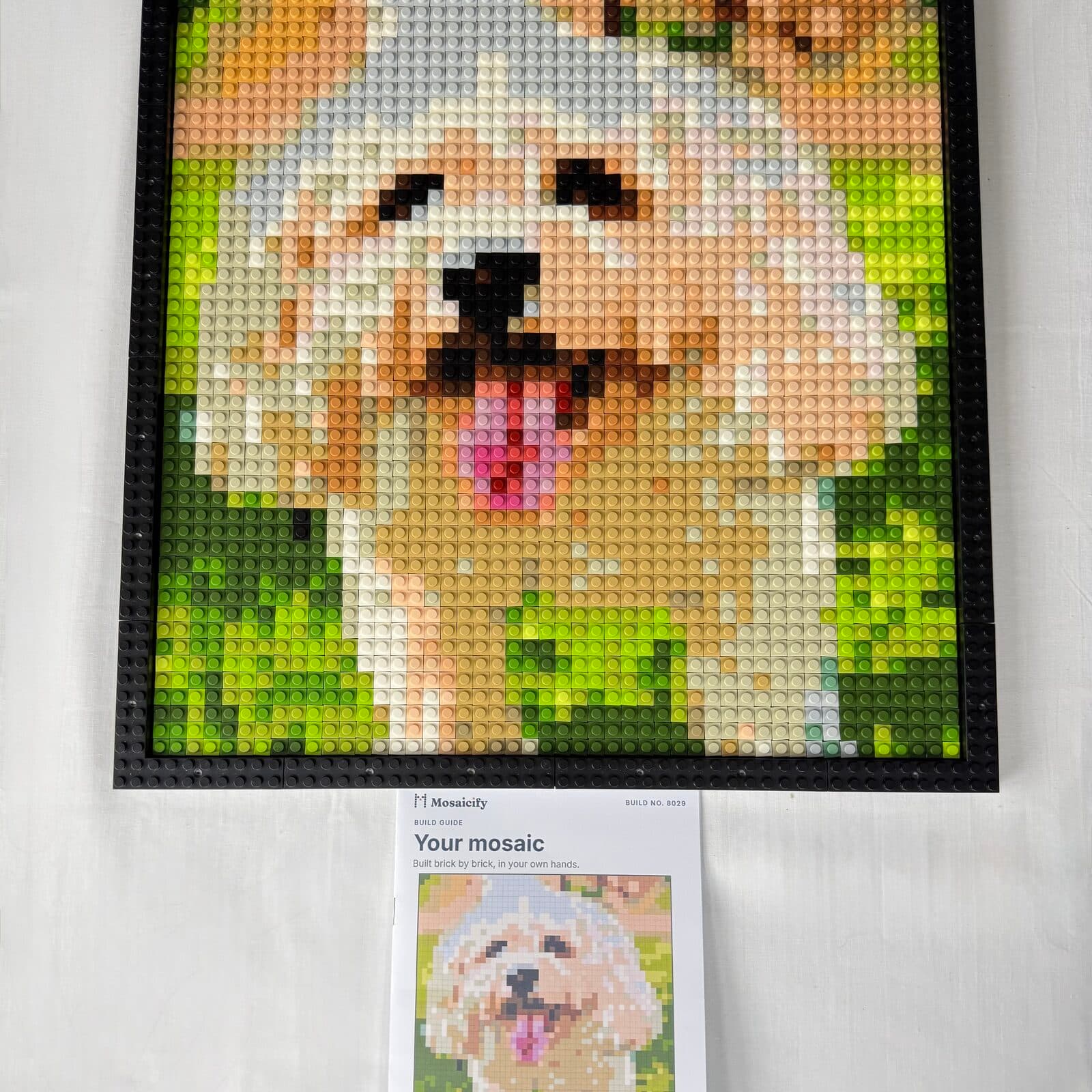
If you like the design, you can order it as a kit. We pack it in our small family-run studio in Durham: the bricks sorted by colour, the baseplates, a printed build booklet and a black brick frame, with free UK delivery. You build it yourself. We timed our own build at about 20 minutes a baseplate, which makes a Small roughly 3 hours and a Medium around 5.
Not ready to decide? Use “Email me this design” in the generator and we’ll send you a link back to it. The ordering guide covers the rest, and the photo guide helps you pick a picture that works.
What people turn into bricks
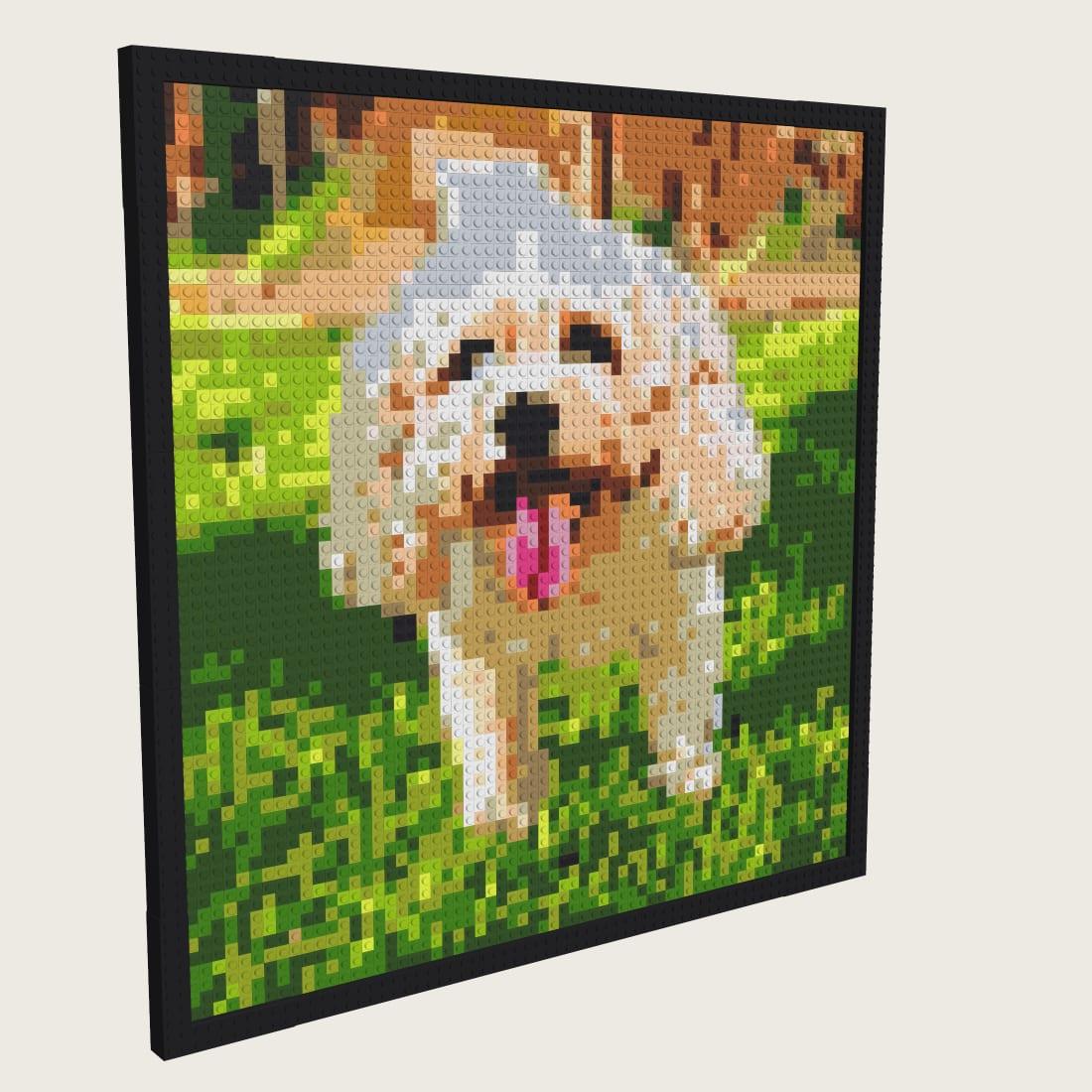
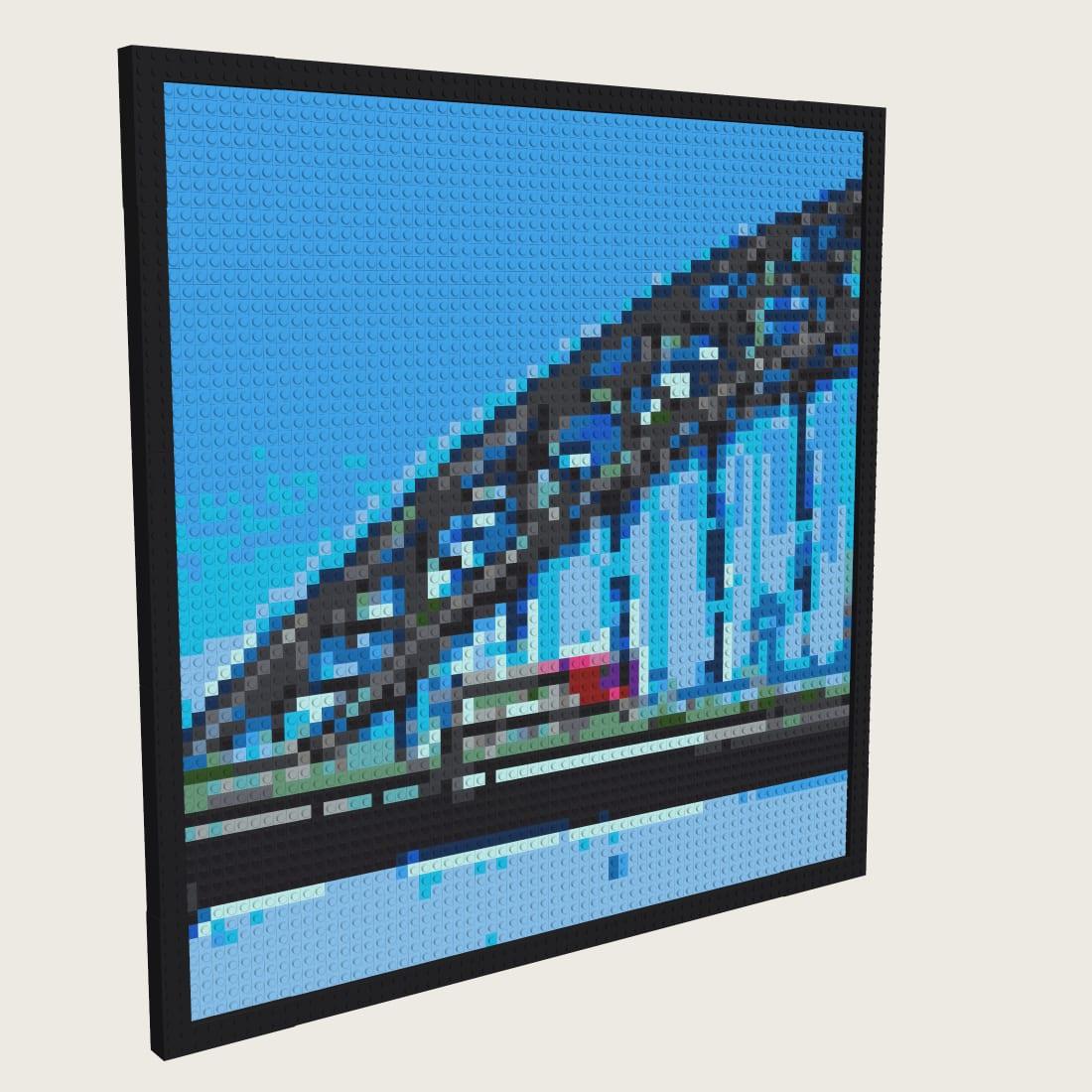
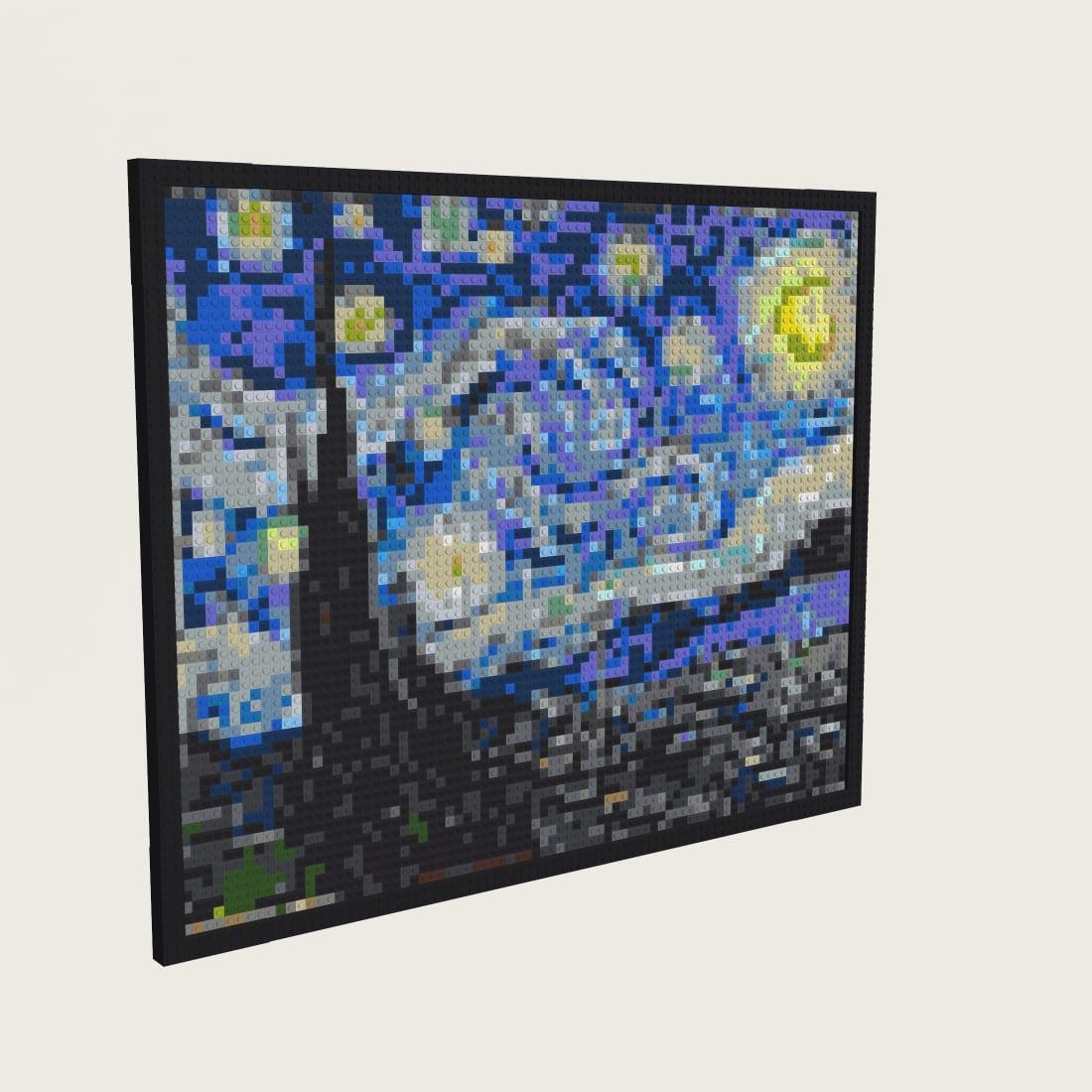
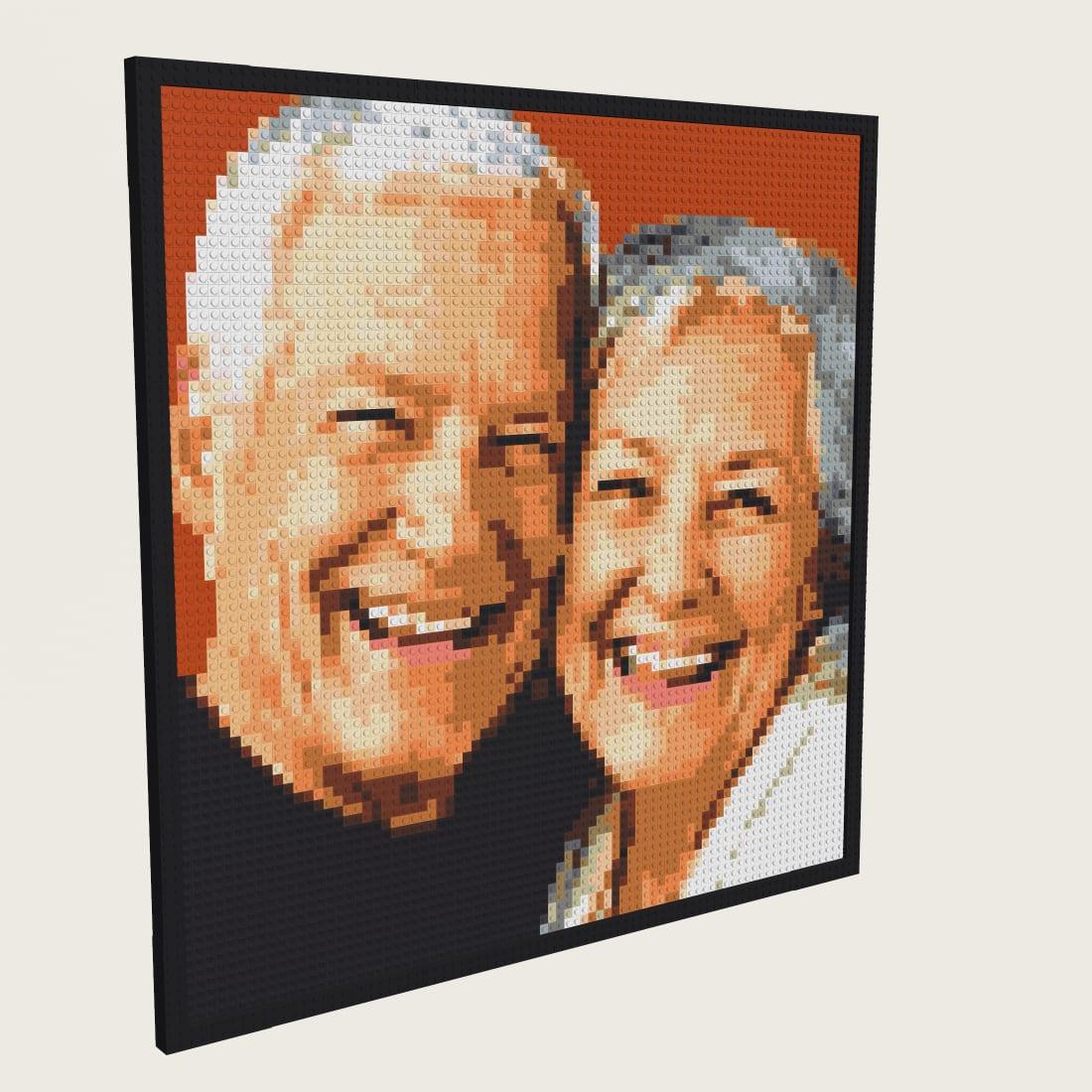
3D previews from the designer.
Common questions
Is the mosaic generator free?
Yes. Uploading a photo, designing and previewing are free, with no account. You only pay if you decide to order the design as a kit.
Does it work with LEGO® bricks?
The design uses standard 1×1 plates on studded baseplates with the usual 8 mm stud spacing, so the bricks in our kits are LEGO®-compatible. Mosaicify is not connected to the LEGO Group.
Is it a pixel art generator?
In effect, yes. It turns your photo into a grid where every square is one 1×1 brick in a single colour, from 32×32 squares for a Mini upwards. The difference from a pixel art tool is that every colour is a brick we can put in a box.
Can I get a custom brick set made from my own photo?
Yes. Any design you make here can be ordered as a kit, packed to order for that one photo, in the size and shape you picked.
How many colours does it use?
Up to 60 brick colours. The generator picks from the colours we stock, so what you see in the preview is what arrives in the kit.
Can I get the building instructions?
The printed build booklet comes with the kit, with a page for every baseplate. The on-screen preview is free to look at and share.
Which photos work best?
A clear, well-lit photo where the faces fill a good part of the frame. When we tested a full-length photo of six people, each face came out only a few bricks wide. Head and shoulders is the safest framing.