How to order your mosaic kit.
It takes about two minutes on your phone. Designing is free, and you only pay if you love it. Kits start from £34 with the frame and UK delivery included.
The whole order, start to finish
This is a real recording of the site on a phone. Every step is below if you want a closer look.
Start with a photo Step 1
Upload a photo
Open Create and tap Choose a photo. Any photo from your phone or computer works (JPG, PNG or HEIC). Pets, families, couples and babies all make lovely mosaics, and the photo guide shows what works best.
 Step 2
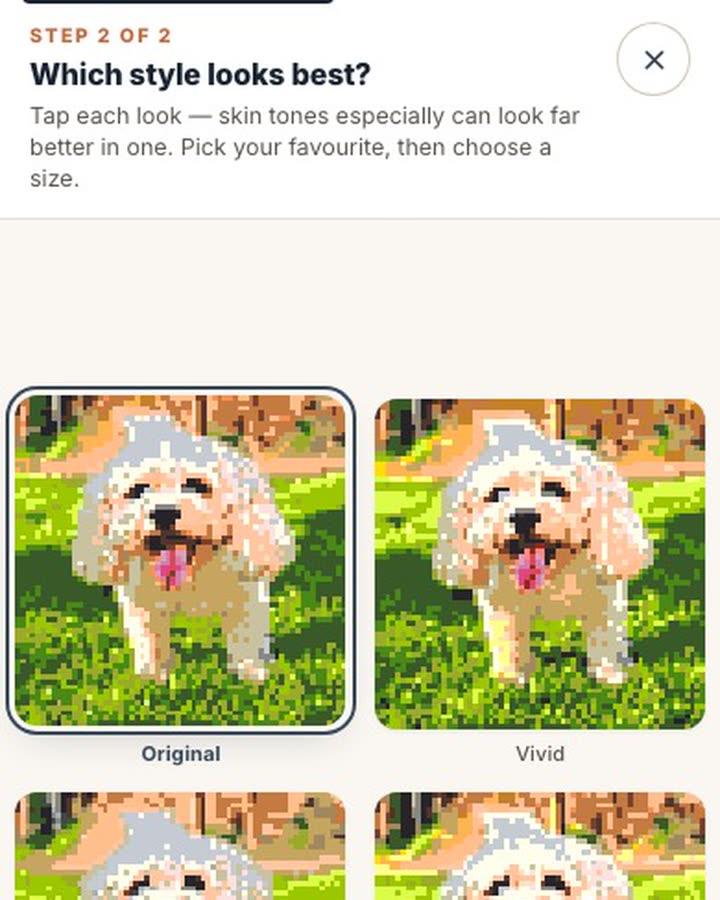
Frame it and pick a look
Drag and pinch to frame your photo, and choose square, portrait or landscape. Then tap the look you like best: Original, Vivid, Soft or Bold.
 Step 3
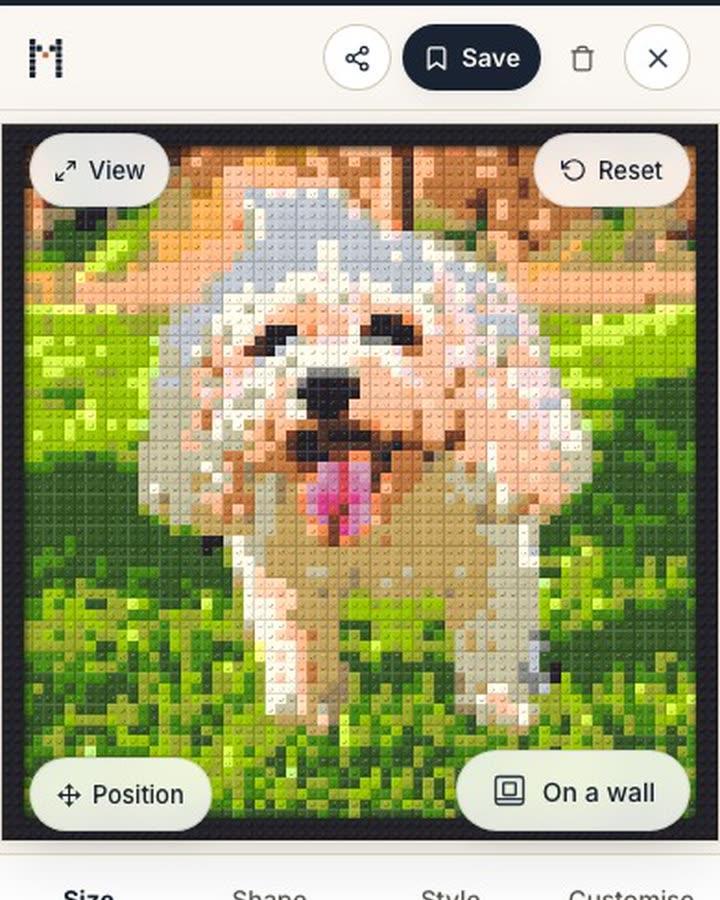
See it in bricks
Your photo turns into bricks straight away. What you see is the exact design we pack for you, brick for brick. Open Edit if you want to fine-tune it.
 Step 4
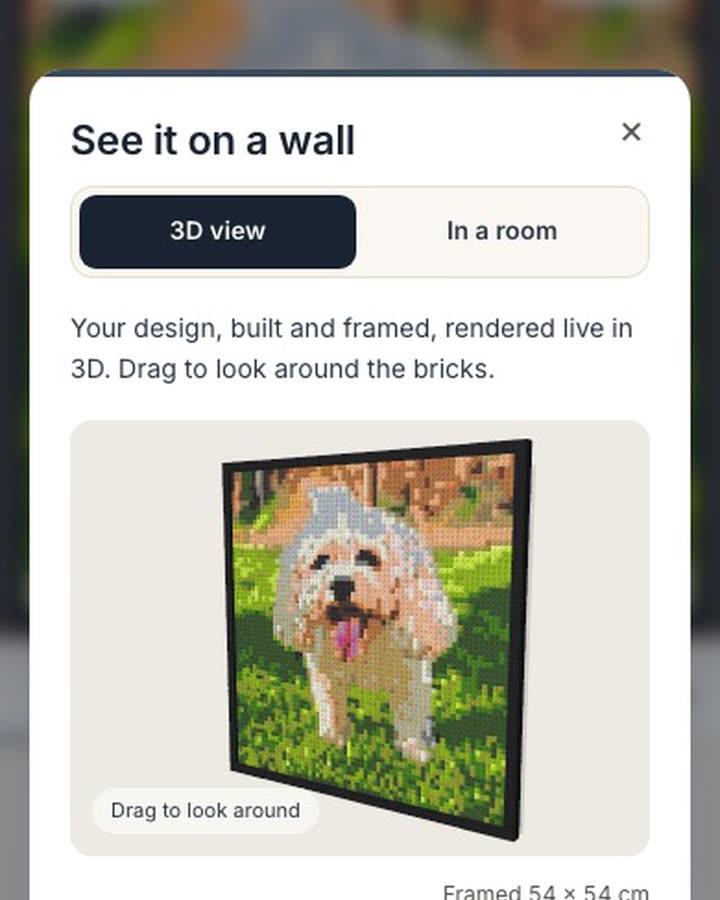
See it on your wall
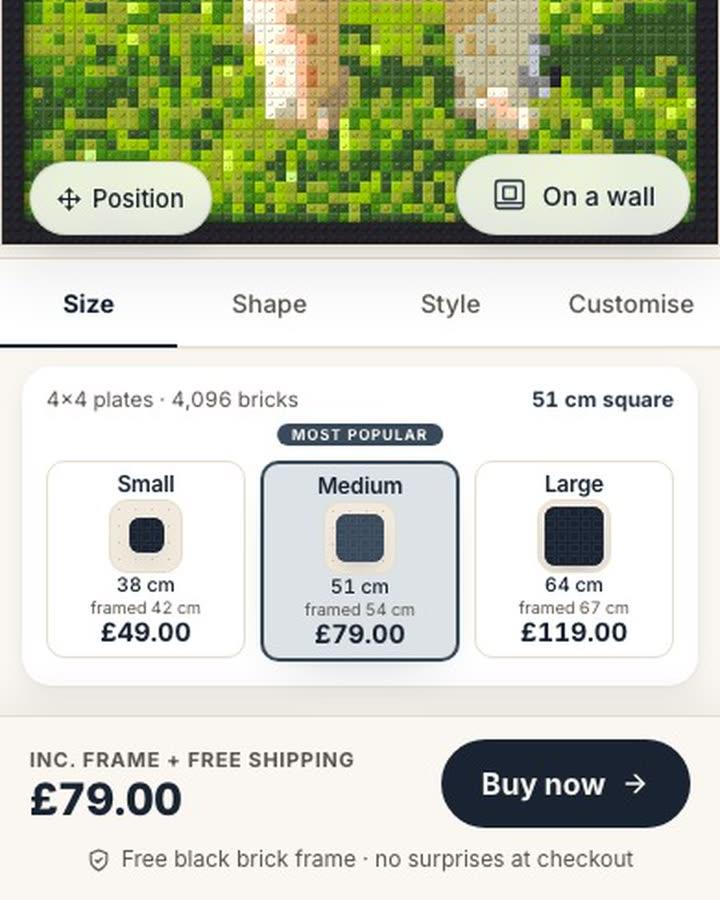
Tap On a wall to see your mosaic built and framed in 3D, or picture it in a room.
 Step 5
Pick a size and check out
Choose Small (£49), Medium (£79) or Large (£119). The price includes the black brick frame and tracked UK delivery, with no extras at checkout. Tap Buy now and pay securely.
 Step 6
We pack and post your kit
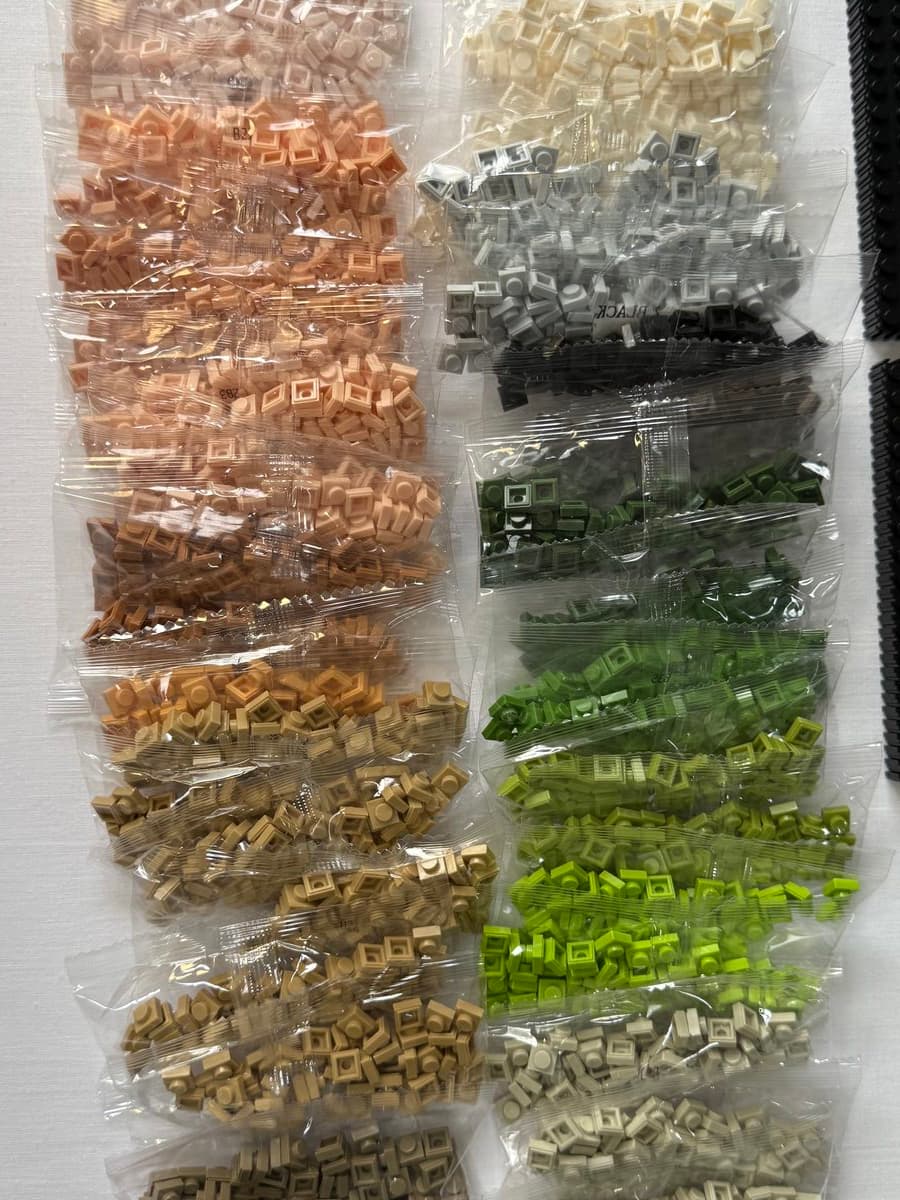
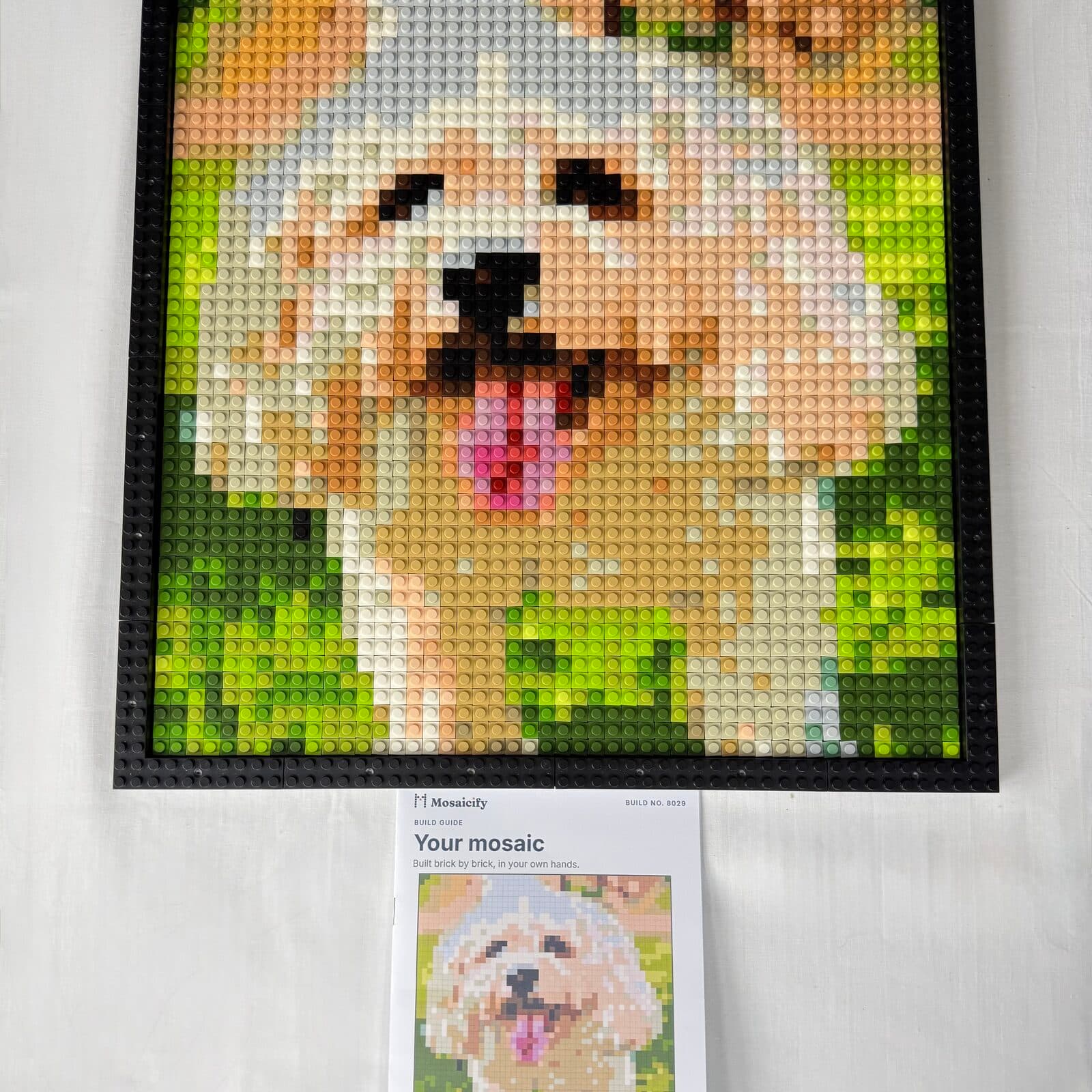
We hand-pack your bricks into labelled bags by colour, with the baseplates, the frame and a printed guide with a page for every plate. Your kit is packed within 3 working days and sent tracked, and most arrive 2 to 5 working days after that. We email your tracking number the day it goes out.
 Step 7
Build it and hang it up
Follow the guide plate by plate, clip on the frame and hang it on the wall.
Ready to see yours in bricks?
Upload a photo and the preview appears in seconds. Questions first? Try the FAQ.
Start with a photo